
Home
One by Wacom Small Graphics Pen Tablet
Michaels
Loading Inventory...
One by Wacom Small Graphics Pen Tablet in Chattanooga, TN
By Wacom
Current price: $67.99
Michaels
One by Wacom Small Graphics Pen Tablet in Chattanooga, TN
By Wacom
Current price: $67.99
Loading Inventory...
Size: ONE SIZE
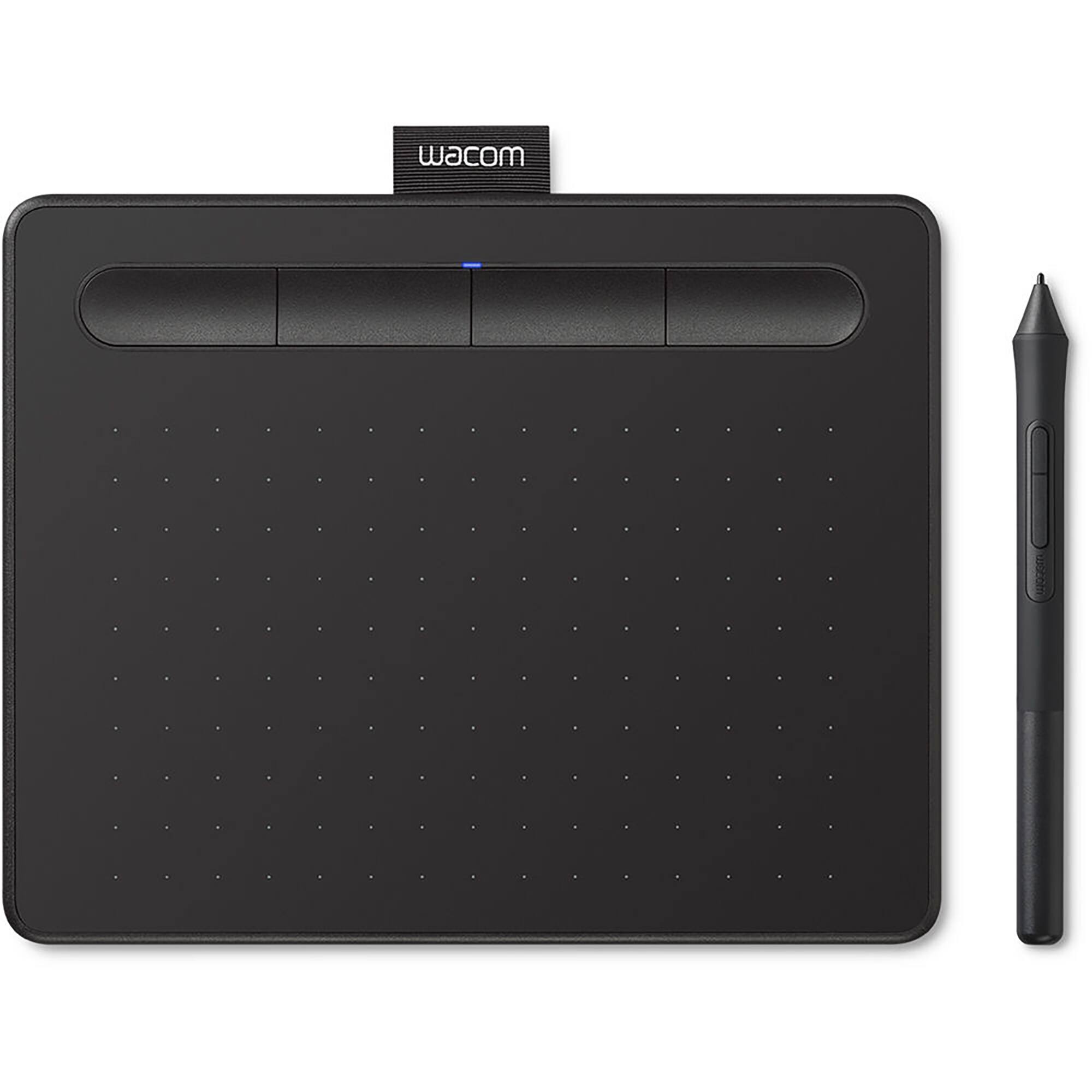
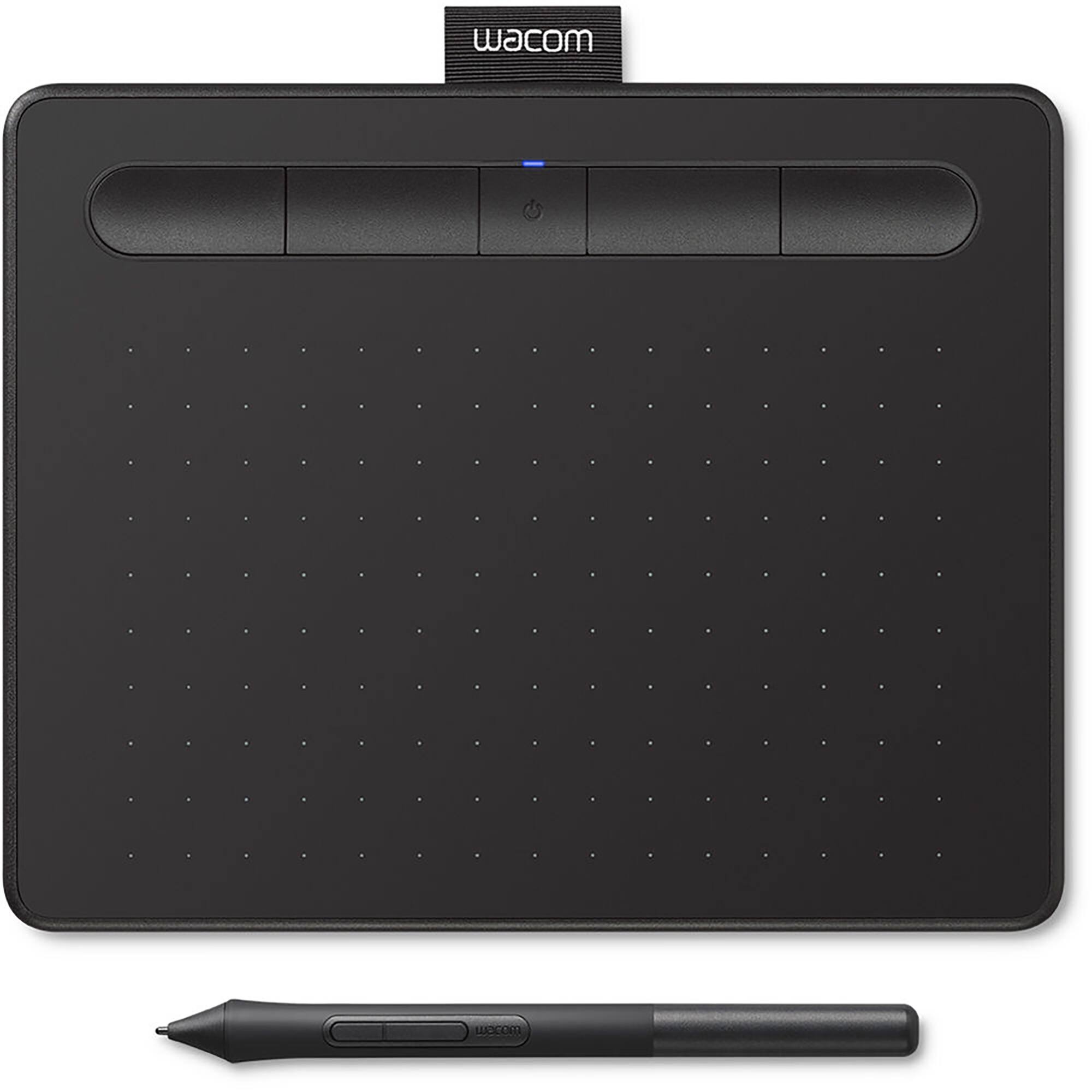
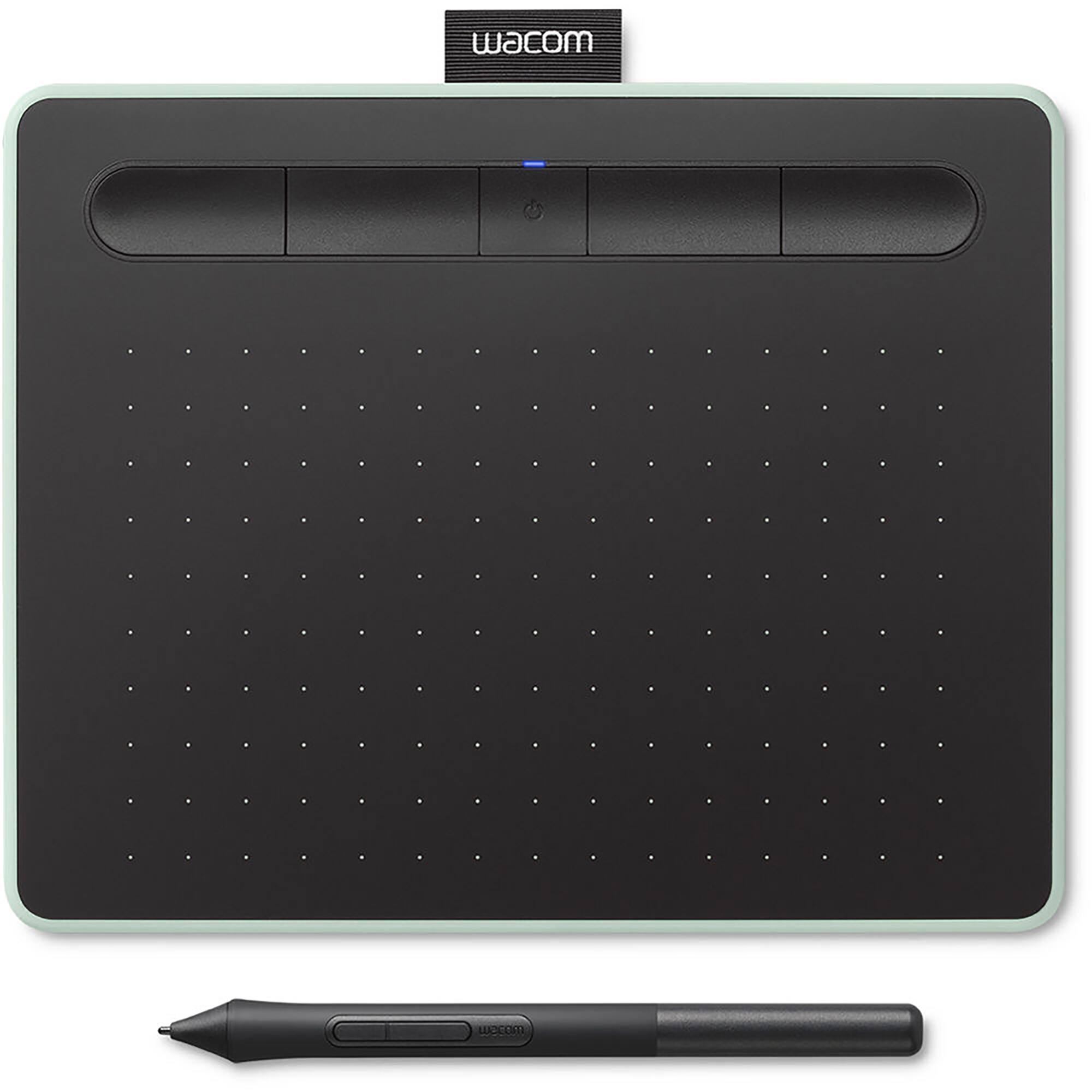
From learning to draw and edit photos to collaborating in online classes or completing academic assignments with natural handwriting, One by Wacom brings an easy to use digital pen to PC, Mac and most Chromebooks. Digital learning and creativity couldn't be easier. One by Wacom's pressure sensitive and battery free pen is the perfect tool for learning. It brings a familiar, pen-on-paper feel to drawing and writing and is simple to set up and use. One by Wacom can be used with most pen-enabled creative software as well as many online learning applications and platforms on PC, Mac and most Chromebooks.
Whatever and wherever you are learning, One by Wacom can help. Sketch and paint with more precision. Our advanced electro-magnetic pen technology gives you excellent control and accuracy. One by Wacom helps your art projects come out the way you’ve always wanted, by perfectly matching the movement of your pen. Editing photos? Everything from complicated cut-outs to delicate color adjustments are so much easier. Get ready for a load more ‘Likes’. One by Wacom now also works with Chromebook. Bringing the pen tablet into the digital classroom. Wacom takes digital learning to the next level. The realistic digital pen recreates the classroom experience from anywhere. It gives you the freedom to write, annotate, create, collaborate, study or teach in ways like never before. With Collaboard, people collaborate in real-time by drawing on the whiteboard, adding sticky notes, documents, images, videos and much more. People visualize their ideas, brainstorm, create mind maps and much more on a shared board. Whatever you want to create or learn, it's easy with One by Wacom.
The tablet has everything you need, and nothing that you don't, so it is easy to get started on your next creative project, homework or course preparation. Just connect the USB cable to your Mac, PC, or Chromebook, download and install the driver and you're ready to go. Chrome OS Windows MacOS System requirements PC: Windows® 7, 8.1 and 10 Mac: OS X 10.10 or later Chromebook: Chrome OS 87 or later (Kernel 4.4 + required) Standard USB-A port Internet access to download driver (for tablet to work) This product works with devices capable of running the latest version of Chrome OS and has been certified to meet Google's compatibility standards. Google is not responsible for the operation of this product or its compliance with safety requirements. Chromebook and the Works With Chromebook badge are trademarks of Google LLC. Pen must be used with the tablet to function with Chrome OS.
Details:
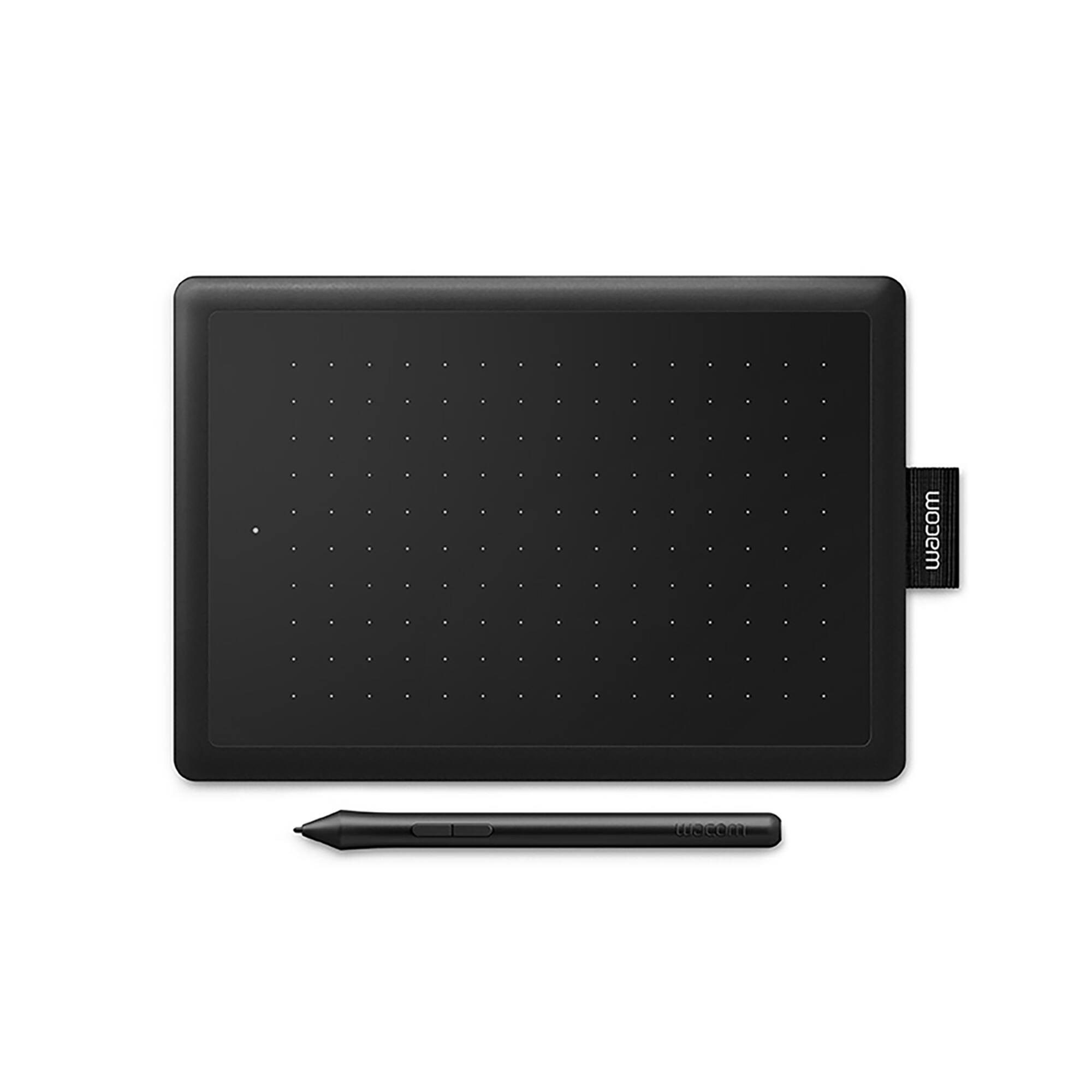
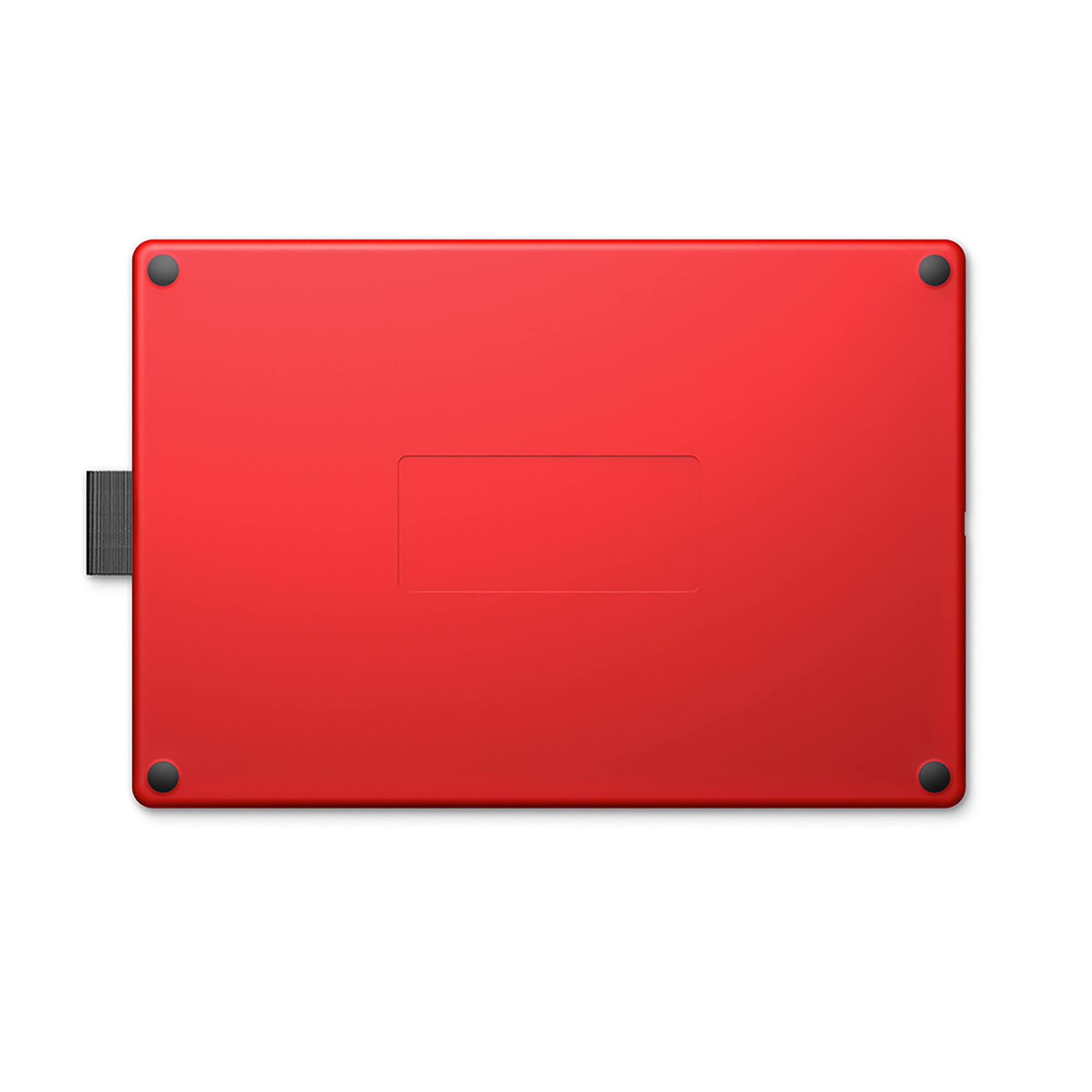
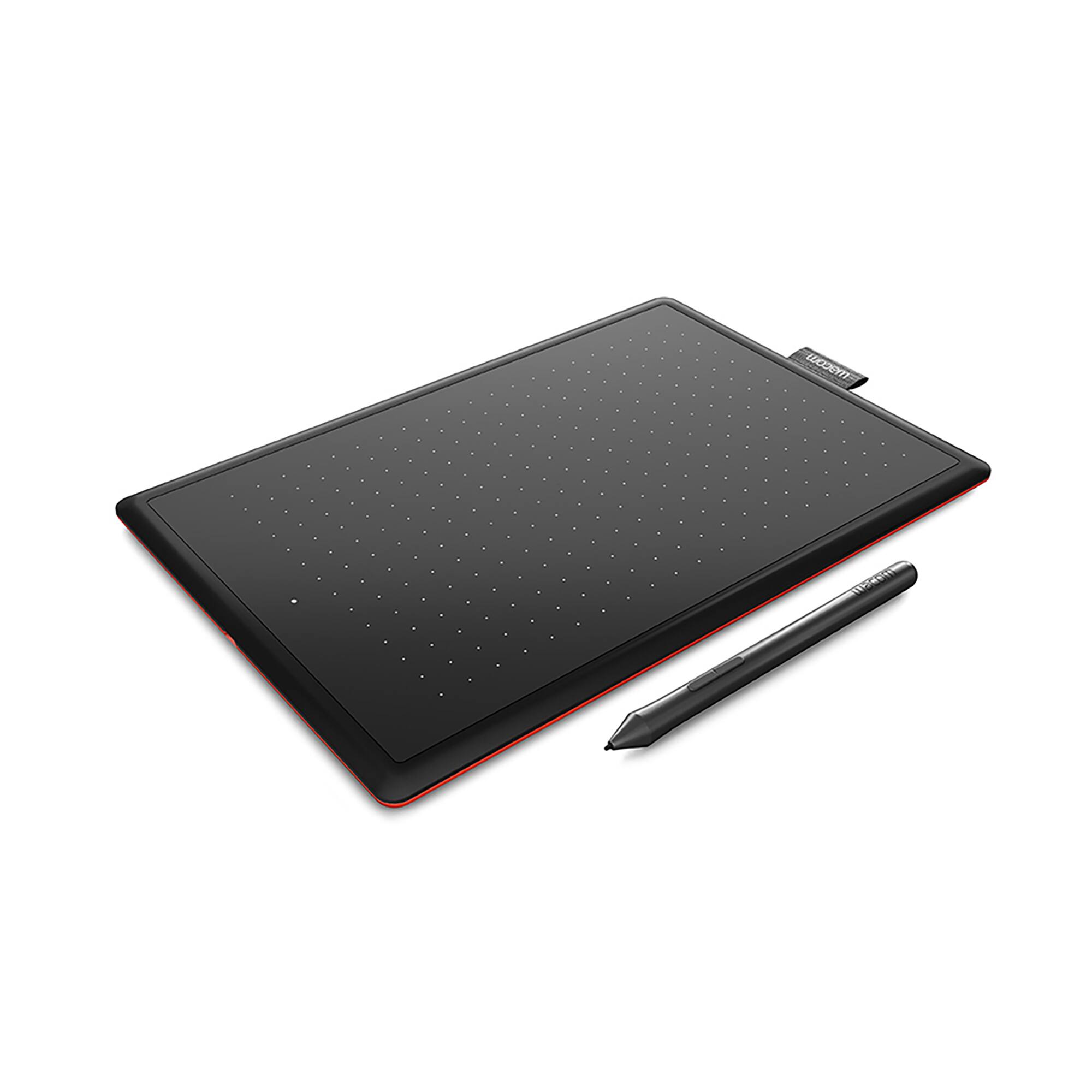
Black side and red side
8.3" x 5.7" x 0.3" overall dimensions
6" x 3.7" active area
Battery-free pen with 2048 pressure levels
Ergonomics, right or left-handed use
USB Compatibility
Some Chromebook devices require a USB-C adapter
Driver download and installation only on Windows PC and Mac
Contents:
Pen tablet
Pen
USB cable (Micro USB to USB-A)
3 standard replacement pen nibs
Nib removal tool
Quick start guide
Regulation sheet
From learning to draw and edit photos to collaborating in online classes or completing academic assignments with natural handwriting, One by Wacom brings an easy to use digital pen to PC, Mac and most Chromebooks. Digital learning and creativity couldn't be easier. One by Wacom's pressure sensitive and battery free pen is the perfect tool for learning. It brings a familiar, pen-on-paper feel to drawing and writing and is simple to set up and use. One by Wacom can be used with most pen-enabled creative software as well as many online learning applications and platforms on PC, Mac and most Chromebooks.
Whatever and wherever you are learning, One by Wacom can help. Sketch and paint with more precision. Our advanced electro-magnetic pen technology gives you excellent control and accuracy. One by Wacom helps your art projects come out the way you’ve always wanted, by perfectly matching the movement of your pen. Editing photos? Everything from complicated cut-outs to delicate color adjustments are so much easier. Get ready for a load more ‘Likes’. One by Wacom now also works with Chromebook. Bringing the pen tablet into the digital classroom. Wacom takes digital learning to the next level. The realistic digital pen recreates the classroom experience from anywhere. It gives you the freedom to write, annotate, create, collaborate, study or teach in ways like never before. With Collaboard, people collaborate in real-time by drawing on the whiteboard, adding sticky notes, documents, images, videos and much more. People visualize their ideas, brainstorm, create mind maps and much more on a shared board. Whatever you want to create or learn, it's easy with One by Wacom.
The tablet has everything you need, and nothing that you don't, so it is easy to get started on your next creative project, homework or course preparation. Just connect the USB cable to your Mac, PC, or Chromebook, download and install the driver and you're ready to go. Chrome OS Windows MacOS System requirements PC: Windows® 7, 8.1 and 10 Mac: OS X 10.10 or later Chromebook: Chrome OS 87 or later (Kernel 4.4 + required) Standard USB-A port Internet access to download driver (for tablet to work) This product works with devices capable of running the latest version of Chrome OS and has been certified to meet Google's compatibility standards. Google is not responsible for the operation of this product or its compliance with safety requirements. Chromebook and the Works With Chromebook badge are trademarks of Google LLC. Pen must be used with the tablet to function with Chrome OS.
Details:
Black side and red side
8.3" x 5.7" x 0.3" overall dimensions
6" x 3.7" active area
Battery-free pen with 2048 pressure levels
Ergonomics, right or left-handed use
USB Compatibility
Some Chromebook devices require a USB-C adapter
Driver download and installation only on Windows PC and Mac
Contents:
Pen tablet
Pen
USB cable (Micro USB to USB-A)
3 standard replacement pen nibs
Nib removal tool
Quick start guide
Regulation sheet
You May Also Like









More About Michaels at Hamilton Place
For over 20 years, the family of Michaels Stores, Inc., the nation's largest specialty retailer of arts and crafts materials, has been helping crafters of all ages express themselves with skill and originality.
Hamilton Crossings, 2200 Hamilton Pl Blvd, Chattanooga, TN 37421, United States
Find Michaels at Hamilton Place in Chattanooga, TN
Visit Michaels at Hamilton Place in Chattanooga, TN