
Home
Final Fantasy XIV Starter Edition - PC
GameStop
Loading Inventory...
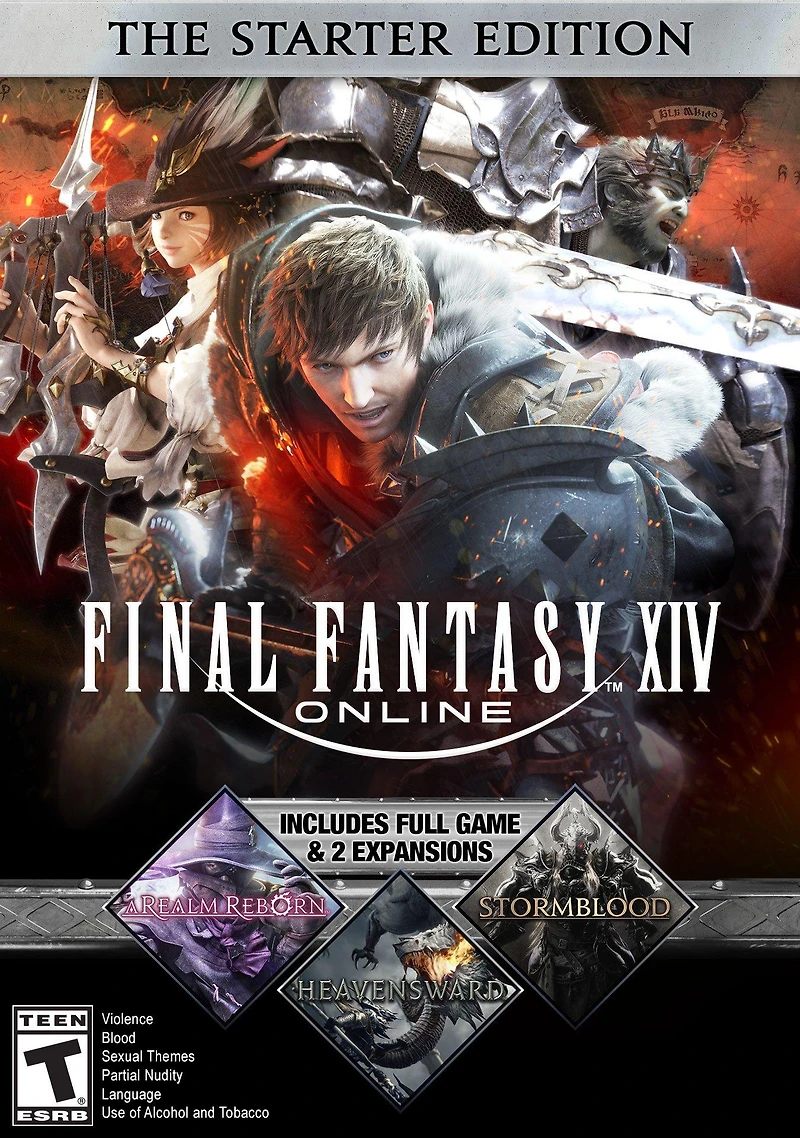
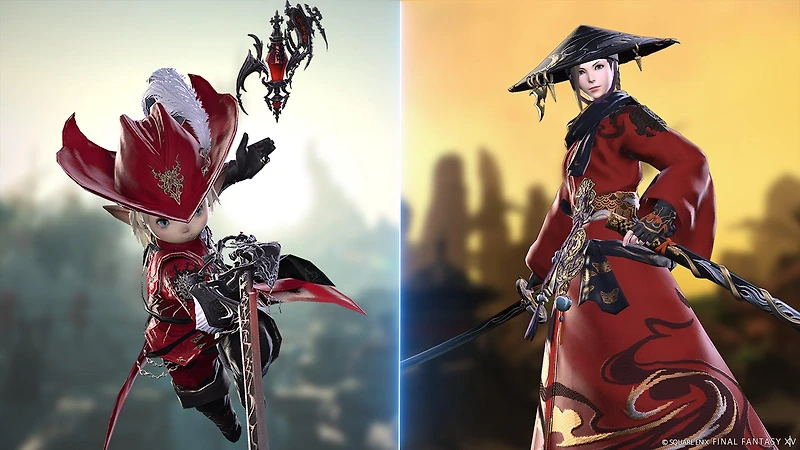

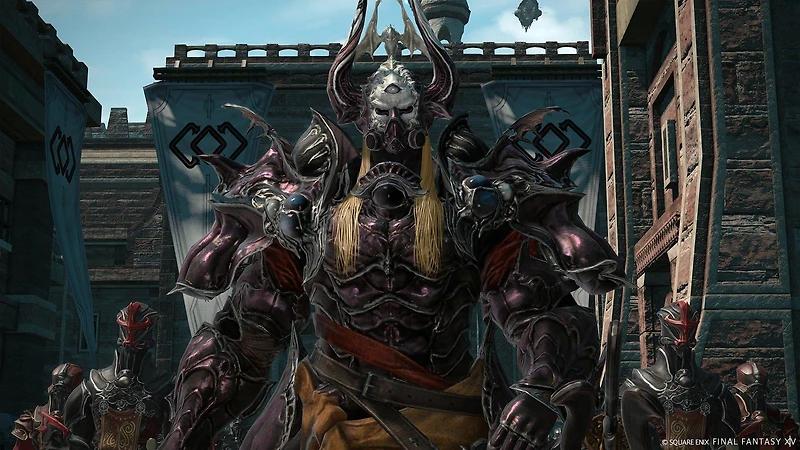
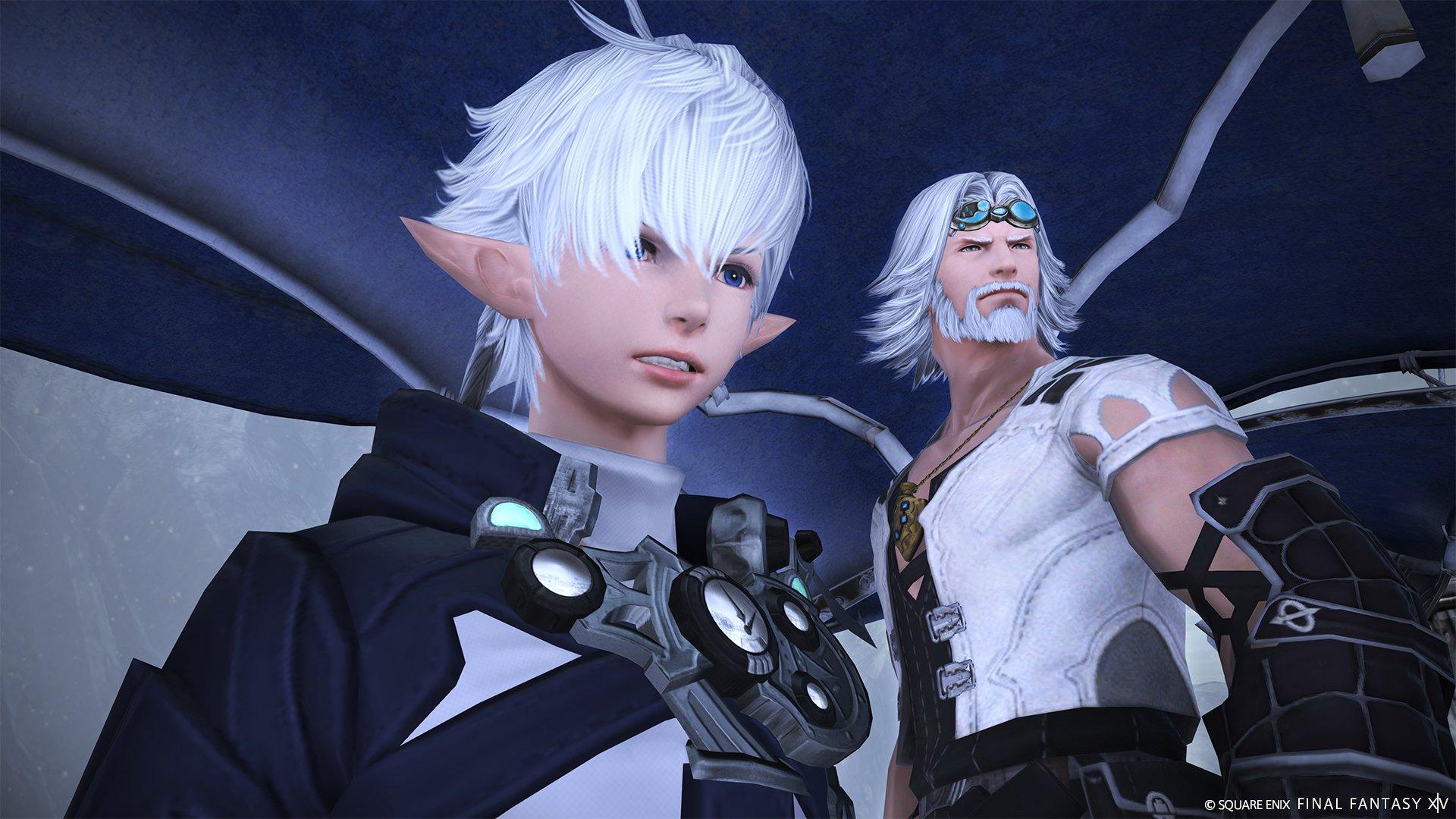

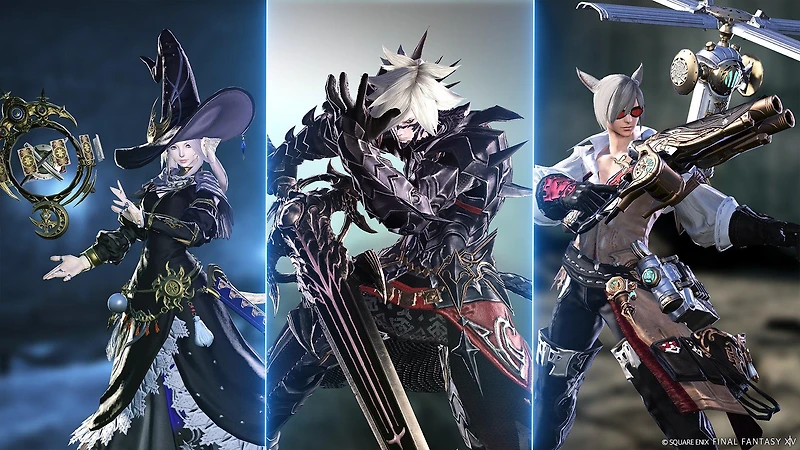
Final Fantasy XIV Starter Edition - PC in Chattanooga, TN
By Square Enix
Current price: $19.99
GameStop
Final Fantasy XIV Starter Edition - PC in Chattanooga, TN
By Square Enix
Current price: $19.99
Loading Inventory...
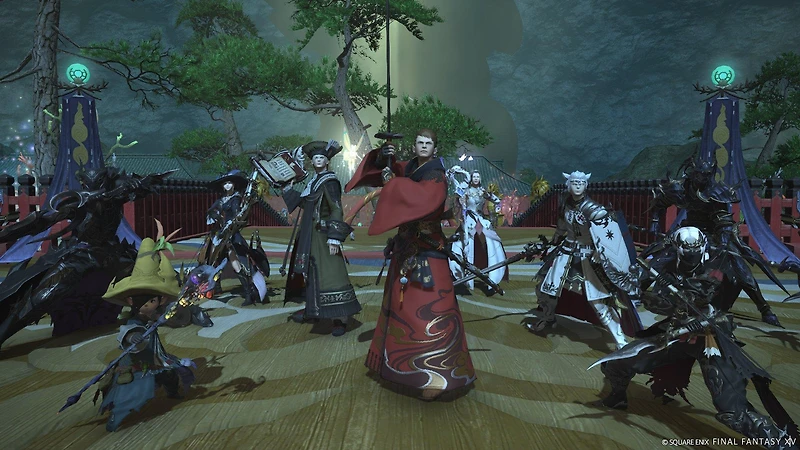
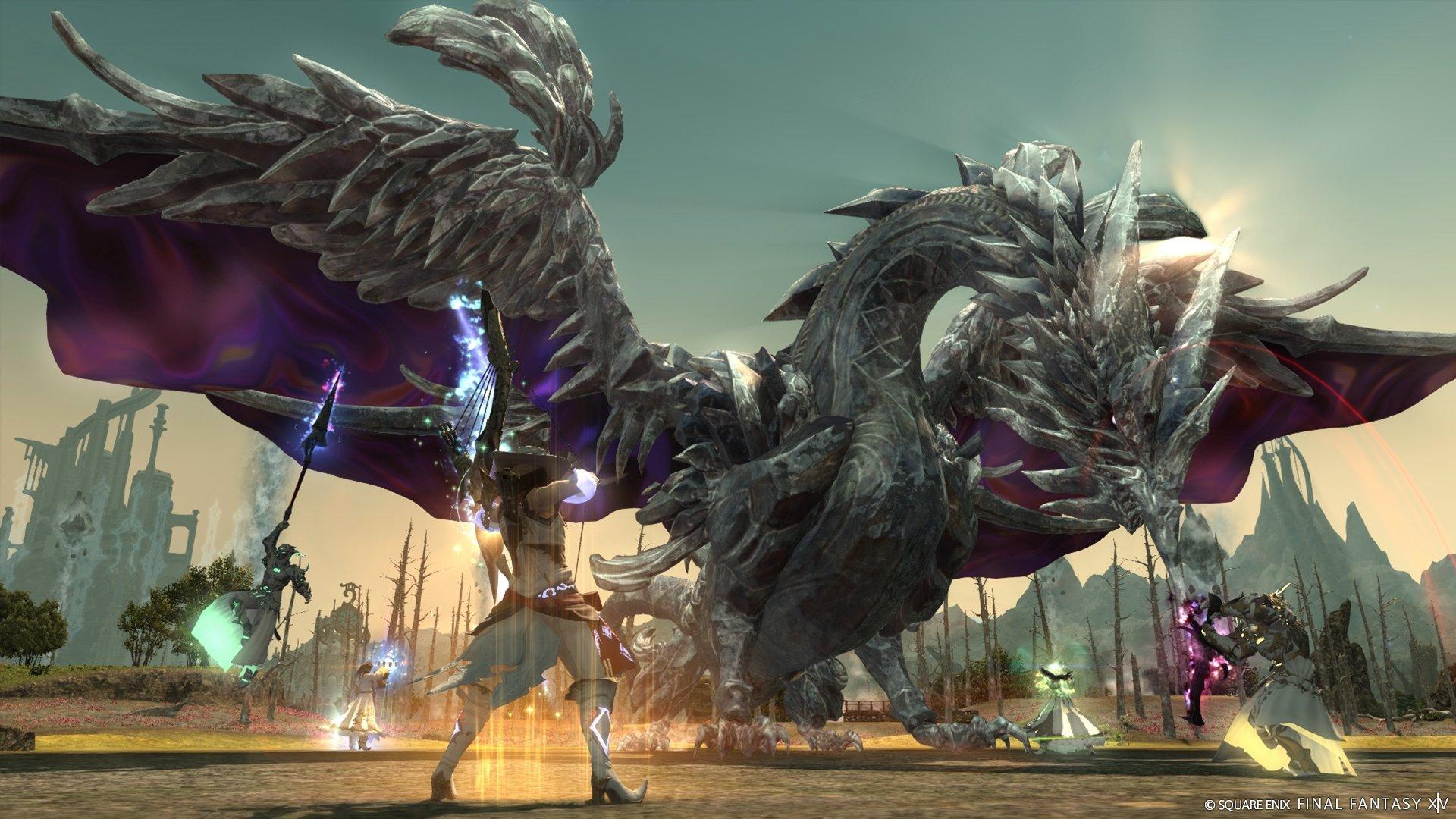
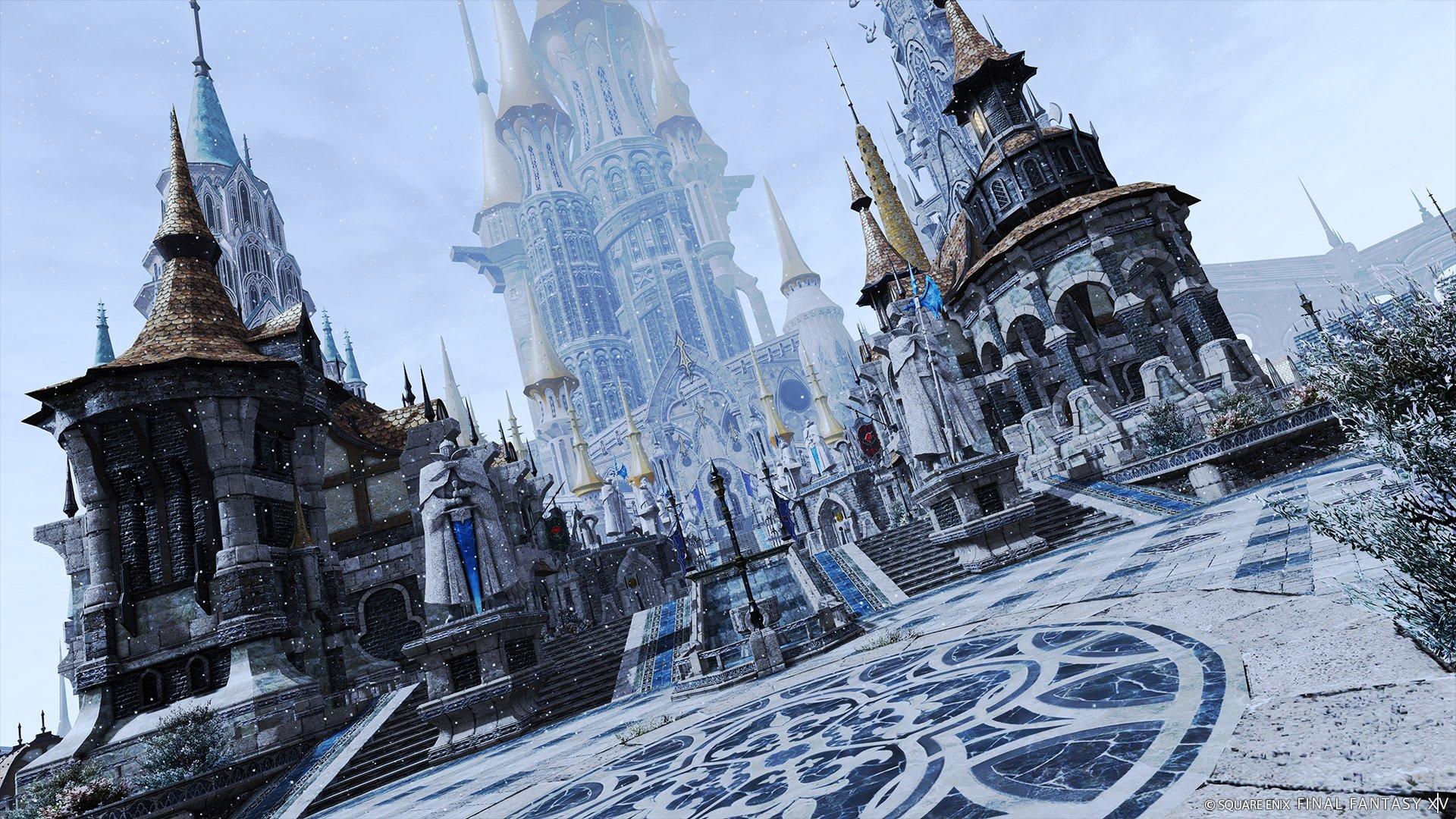
Join over 27 million adventurers worldwide and take part in an epic and ever-changing FINAL FANTASY. Experience all the hallmarks of the best-selling franchise - an unforgettable story, exhilarating battles, and a myriad of diverse and captivating environments to explore. Party up with friends or play solo! Experience all the main story dungeons on your own by calling upon NPC allies to fight by your side.
IMPORTANT:
• *The 30-day free play period included with purchase can only be applied once to each platform on a single service account. • Square Enix Accounts registered to the FINAL FANTASY XIV Online Starter Edition will not be eligible for the FINAL FANTASY XIV Free Trial. Certain features currently contained in the FINAL FANTASY XIV Online Starter Edition, and additional content, may become available in the FINAL FANTASY XIV Free Trial in the future. • All editions of the game require user registration. All editions of the game other than the Free Trial require an active paid subscription to play. • Age restrictions and other terms and conditions apply. Please refer to the User Agreement (https://sqex.to/ffxiv_agreement) and Square Enix Account Terms of Use (https://sqex.to/ffxiv_terms) for the terms and conditions of registration and service. Please visit the FINAL FANTASY XIV website at https://www.finalfantasyxiv.com/ for additional information.
Installation Instructions:
Please click the following link in order to download the game client: PC client: https://na.finalfantasyxiv.com/windows/download/ Mac client: https://na.finalfantasyxiv.com/mac/download/
Double click the file and select the appropriate region and language settings. Please note that this will also set the in-game language, but you can change this setting at any time within the FINAL FANTASY XIV launcher program.
Follow the on-screen instructions to install the FINAL FANTASY XIV launcher onto your hard drive.
After you have successfully installed the launcher, run the program to check for any updates and proceed to register FINAL FANTASY XIV.
Follow the onscreen instructions and carefully read through and accept the FINAL FANTASY XIV Software License Agreement, Square Enix Account Agreement, and the FINAL FANTASY XIV User Agreement. a) Please note that a Square Enix Account is required to play FINAL FANTASY XIV. If you do not have a Square Enix Account, you will be asked to register one at this time. If you already have a Square Enix Account, you do not need to register a separate one and may proceed to sign in with your existing Square Enix Account. Note: A Square Enix Account is not the same as a Square Enix Members account.
When requested, please enter the product registration code to complete the initial registration process.
To begin playing, enter your Square Enix Account username and password and select Log In.
After logging in, the launcher will check for the latest game data. If necessary, the latest files will be downloaded from the network, and the game will be updated to the most recent version. This process is automatic, and can take anywhere from several minutes to several hours to complete. The estimated time remaining will be displayed under the download progress bar.
Once the game has been updated, the Play button will be displayed. Click this button to start the game. If you have any questions regarding the above information, please contact the Support Centre by clicking the following link: https://sqex.to/FFXIVsupport
PLEASE NOTE
- Your code is unique and can only be redeemed once per service account. - This code will only work on North American Square Enix accounts.
- Operating System: Windows 10
- Processor: Intel® Core™i7 3GHz or higher
- RAM: 8GB
- Video Card: 1920 x 1080: NVIDIA® Geforce® GTX970 or higher AMD Radeon™ RX 480 or higher
- Hard Drive Space: 80 GB available space
- DirectX: Version 11
- Brand Name: Square Enix
- Vendor Part Number: GSFFSE
- GameStop Exclusive: false
- Number of Players: 1
- Online Multiplayer: false
- Co-op Mode: false
- Perspective: 3rd Person
- Genre: RPG
- Interactive Elements: No Interactive Elements
- Compatible Platforms: PC
- Franchise: Final Fantasy
- Publisher Name: Square Enix
- Developer Name: Square Enix
Join over 27 million adventurers worldwide and take part in an epic and ever-changing FINAL FANTASY. Experience all the hallmarks of the best-selling franchise - an unforgettable story, exhilarating battles, and a myriad of diverse and captivating environments to explore. Party up with friends or play solo! Experience all the main story dungeons on your own by calling upon NPC allies to fight by your side.
IMPORTANT:
• *The 30-day free play period included with purchase can only be applied once to each platform on a single service account. • Square Enix Accounts registered to the FINAL FANTASY XIV Online Starter Edition will not be eligible for the FINAL FANTASY XIV Free Trial. Certain features currently contained in the FINAL FANTASY XIV Online Starter Edition, and additional content, may become available in the FINAL FANTASY XIV Free Trial in the future. • All editions of the game require user registration. All editions of the game other than the Free Trial require an active paid subscription to play. • Age restrictions and other terms and conditions apply. Please refer to the User Agreement (https://sqex.to/ffxiv_agreement) and Square Enix Account Terms of Use (https://sqex.to/ffxiv_terms) for the terms and conditions of registration and service. Please visit the FINAL FANTASY XIV website at https://www.finalfantasyxiv.com/ for additional information.
Installation Instructions:
Please click the following link in order to download the game client: PC client: https://na.finalfantasyxiv.com/windows/download/ Mac client: https://na.finalfantasyxiv.com/mac/download/
Double click the file and select the appropriate region and language settings. Please note that this will also set the in-game language, but you can change this setting at any time within the FINAL FANTASY XIV launcher program.
Follow the on-screen instructions to install the FINAL FANTASY XIV launcher onto your hard drive.
After you have successfully installed the launcher, run the program to check for any updates and proceed to register FINAL FANTASY XIV.
Follow the onscreen instructions and carefully read through and accept the FINAL FANTASY XIV Software License Agreement, Square Enix Account Agreement, and the FINAL FANTASY XIV User Agreement. a) Please note that a Square Enix Account is required to play FINAL FANTASY XIV. If you do not have a Square Enix Account, you will be asked to register one at this time. If you already have a Square Enix Account, you do not need to register a separate one and may proceed to sign in with your existing Square Enix Account. Note: A Square Enix Account is not the same as a Square Enix Members account.
When requested, please enter the product registration code to complete the initial registration process.
To begin playing, enter your Square Enix Account username and password and select Log In.
After logging in, the launcher will check for the latest game data. If necessary, the latest files will be downloaded from the network, and the game will be updated to the most recent version. This process is automatic, and can take anywhere from several minutes to several hours to complete. The estimated time remaining will be displayed under the download progress bar.
Once the game has been updated, the Play button will be displayed. Click this button to start the game. If you have any questions regarding the above information, please contact the Support Centre by clicking the following link: https://sqex.to/FFXIVsupport
PLEASE NOTE
- Your code is unique and can only be redeemed once per service account. - This code will only work on North American Square Enix accounts.
- Operating System: Windows 10
- Processor: Intel® Core™i7 3GHz or higher
- RAM: 8GB
- Video Card: 1920 x 1080: NVIDIA® Geforce® GTX970 or higher AMD Radeon™ RX 480 or higher
- Hard Drive Space: 80 GB available space
- DirectX: Version 11
- Brand Name: Square Enix
- Vendor Part Number: GSFFSE
- GameStop Exclusive: false
- Number of Players: 1
- Online Multiplayer: false
- Co-op Mode: false
- Perspective: 3rd Person
- Genre: RPG
- Interactive Elements: No Interactive Elements
- Compatible Platforms: PC
- Franchise: Final Fantasy
- Publisher Name: Square Enix
- Developer Name: Square Enix
You May Also Like












More About GameStop at Hamilton Place
A complete line of video and software entertainment programs and accessories. Merchandise includes Nintendo and Playstation; shoppers can experience the games before they buy.
2100 Hamilton Pl Blvd Suite 111, Chattanooga, TN 37421, United States
Find GameStop at Hamilton Place in Chattanooga, TN
Visit GameStop at Hamilton Place in Chattanooga, TN