
Home
Configuring Accounts Receivable within Dynamics 365 for Operations: Module 1: Configuring the Accounts Receivable Controls
Barnes and Noble
Loading Inventory...
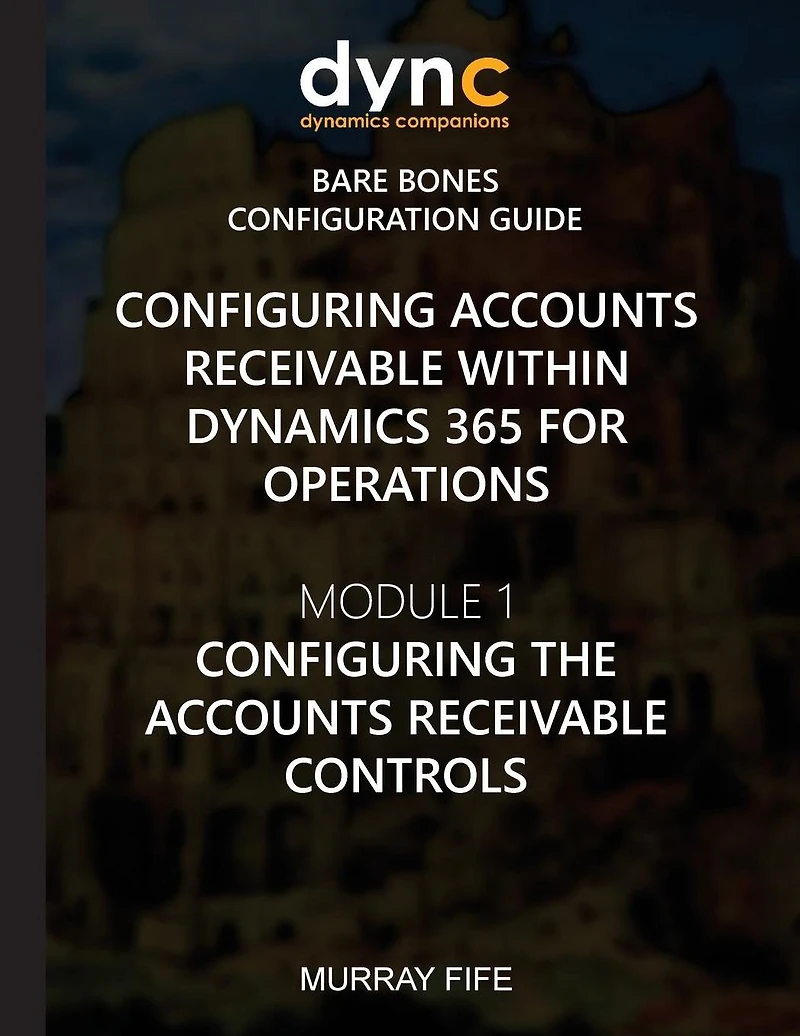
Configuring Accounts Receivable within Dynamics 365 for Operations: Module 1: Configuring the Accounts Receivable Controls in Chattanooga, TN
By Barnes & Noble
Current price: $14.99
Barnes and Noble
Configuring Accounts Receivable within Dynamics 365 for Operations: Module 1: Configuring the Accounts Receivable Controls in Chattanooga, TN
By Barnes & Noble
Current price: $14.99
Loading Inventory...
Size: Paperback
Before we start adding customers and creating invoices within the Accounts Receivable module of Dynamics 365, there are a couple of codes and controls that need to be configured so that everything else later in the book will run smoothly. In this section, we will walk through everything that you need to set up to get the basic Accounts Receivable features working.Topics Covered-Configuring a Customer Payment Journal Name-Configuring a Customer Write-Off Journal Name-Configuring a General Customer Posting Profile-Configuring a Prepayment Customer Posting Profile-Configuring a Cash Terms of Payment-Configuring a Cash on Delivery Terms of Payment-Configuring Net Day Payment Terms-Configuring Net Day of Month Term of Payment-Configuring Equal Monthly Scheduled Payment Terms-Configuring Proportional Monthly Scheduled Payment Terms-Configuring Cash Discount Codes-Configuring Cash Payment Methods-Configuring Check Payment Methods-Configuring Electronic Payment Methods-Configuring Postdated Check Payment Methods-Configuring Refund Payment Methods-Configuring the Accounts Receivable Parameters
Before we start adding customers and creating invoices within the Accounts Receivable module of Dynamics 365, there are a couple of codes and controls that need to be configured so that everything else later in the book will run smoothly. In this section, we will walk through everything that you need to set up to get the basic Accounts Receivable features working.Topics Covered-Configuring a Customer Payment Journal Name-Configuring a Customer Write-Off Journal Name-Configuring a General Customer Posting Profile-Configuring a Prepayment Customer Posting Profile-Configuring a Cash Terms of Payment-Configuring a Cash on Delivery Terms of Payment-Configuring Net Day Payment Terms-Configuring Net Day of Month Term of Payment-Configuring Equal Monthly Scheduled Payment Terms-Configuring Proportional Monthly Scheduled Payment Terms-Configuring Cash Discount Codes-Configuring Cash Payment Methods-Configuring Check Payment Methods-Configuring Electronic Payment Methods-Configuring Postdated Check Payment Methods-Configuring Refund Payment Methods-Configuring the Accounts Receivable Parameters
You May Also Like














More About Barnes and Noble at Hamilton Place
Barnes & Noble is the world’s largest retail bookseller and a leading retailer of content, digital media and educational products. Our Nook Digital business offers a lineup of NOOK® tablets and e-Readers and an expansive collection of digital reading content through the NOOK Store®. Barnes & Noble’s mission is to operate the best omni-channel specialty retail business in America, helping both our customers and booksellers reach their aspirations, while being a credit to the communities we serve.
2100 Hamilton Pl Blvd, Chattanooga, TN 37421, United States
Find Barnes and Noble at Hamilton Place in Chattanooga, TN
Visit Barnes and Noble at Hamilton Place in Chattanooga, TN